
Screenshots
App details
- Updated
- 2025-02-13T07:22:52.7189866Z
- Requires
- Windows 10 version 17763.0 or higher
- Language
- English
- Developer
- White Peacock
- Category
- Mobile
SoftPas in:
This product is also available in the following languages:
About QR Code Digital Business Card
Download QR Code Digital Business Card – QR Code Generator, Digital Business Card, Business Networking, Professional Branding, Contact Sharing
Overview
The QR Code Digital Business Card is a streamlined Windows application designed to empower professionals, entrepreneurs, and freelancers in creating and sharing digital business cards with ease. At its core, the app addresses the growing need for efficient, modern contact exchange in both personal and professional settings. By replacing traditional paper cards with dynamic, shareable digital alternatives, it helps users maintain professional presence while reducing waste and improving accessibility. The app serves as a practical tool for individuals who frequently network at events, meet clients, or collaborate across digital platforms. Its focus on visual branding and seamless integration makes it particularly valuable in industries where first impressions matter, such as marketing, consulting, and creative services. The developer, QR Code Digital Business Card, has positioned the app as a utility for digital transformation in personal branding. Although the developer did not provide additional technical details, the app’s functionality suggests a targeted approach to simplifying contact sharing. Real-world use cases include trade show participation, client onboarding, and remote team collaboration. In the broader app ecosystem, QR Code Digital Business Card fills a niche between productivity tools and digital identity management, offering a lightweight yet effective solution for modern professionals.
Key Features & Functionality
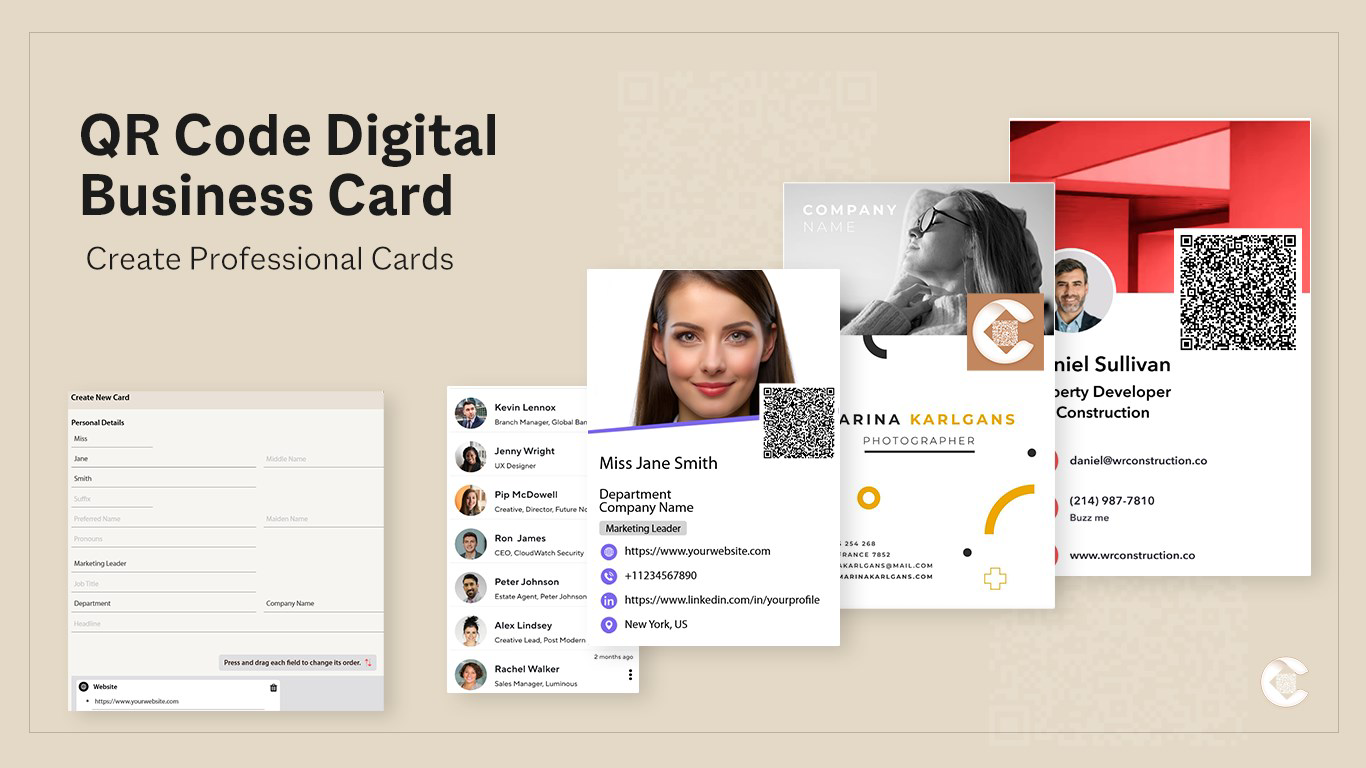
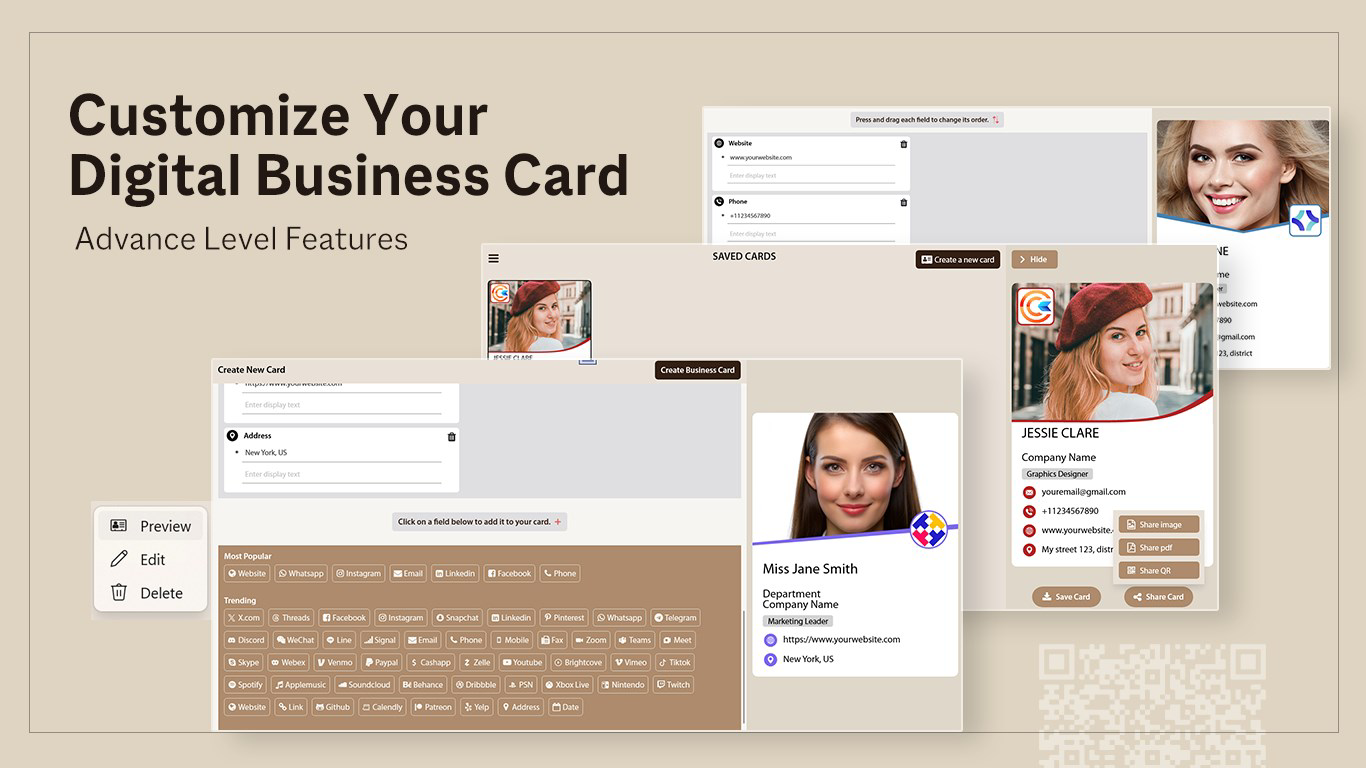
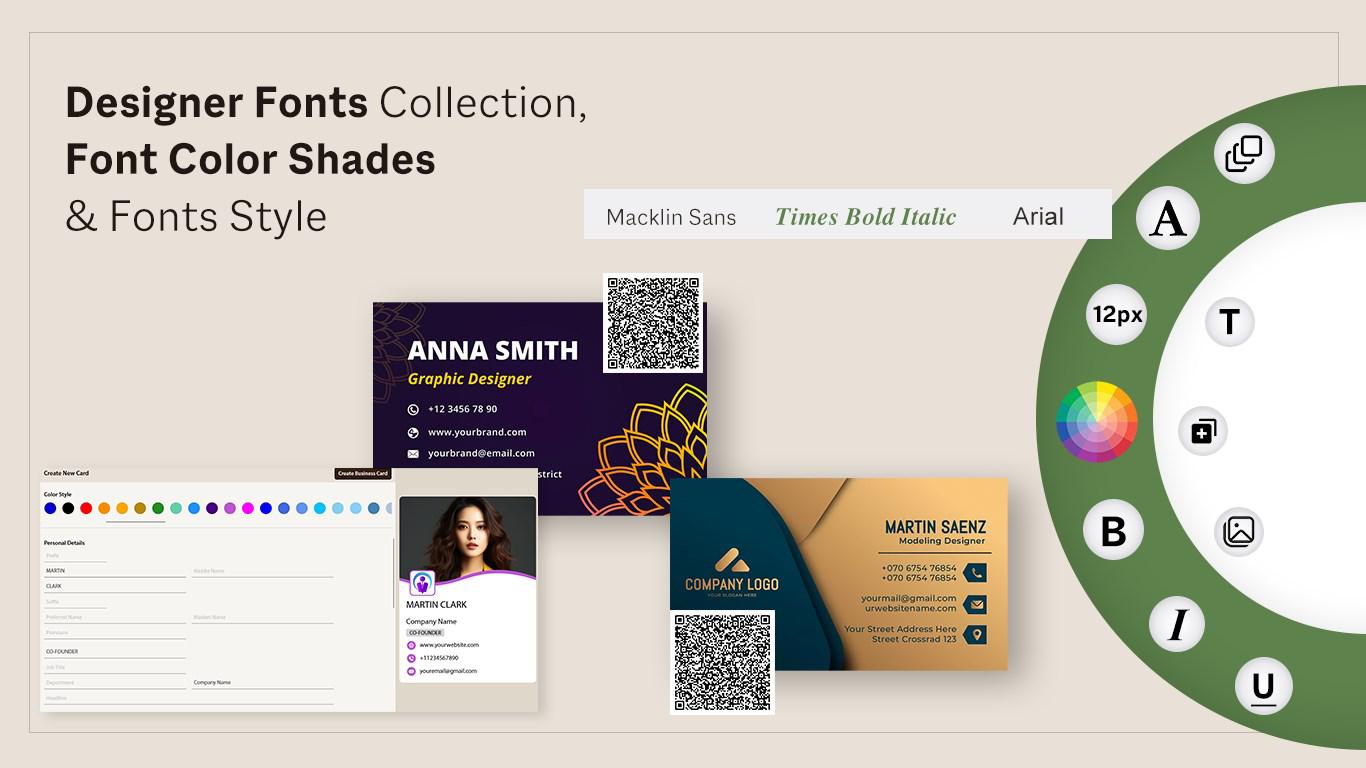
- Stylish Template Library: The app provides a curated selection of professional and visually engaging templates, allowing users to choose designs that reflect their personal or business brand. Whether aiming for minimalism, modern elegance, or bold creativity, users can find a layout that suits their identity.
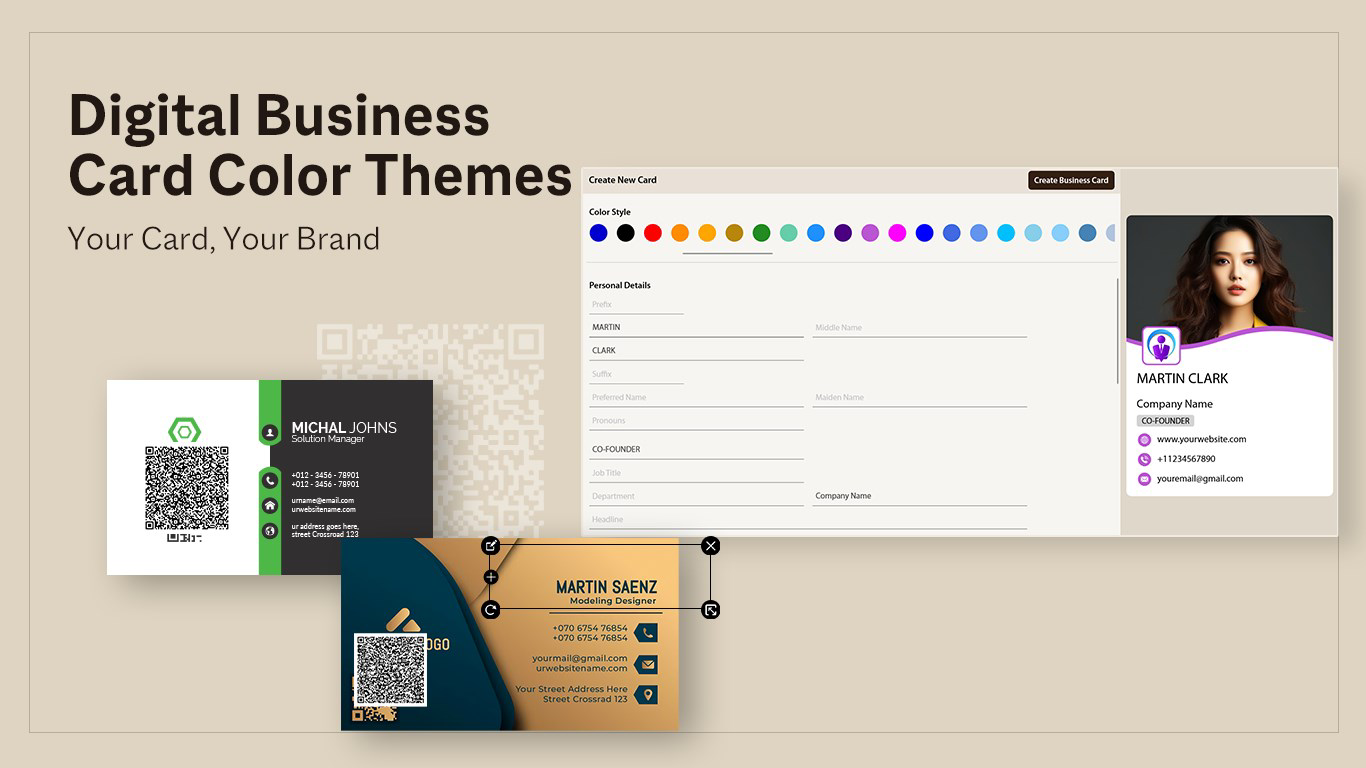
- Full Personalization Options: Users can customize their digital business card by uploading profile pictures, inserting company logos, and adjusting color palettes. This level of control ensures consistency with brand guidelines and enhances recognition across platforms.
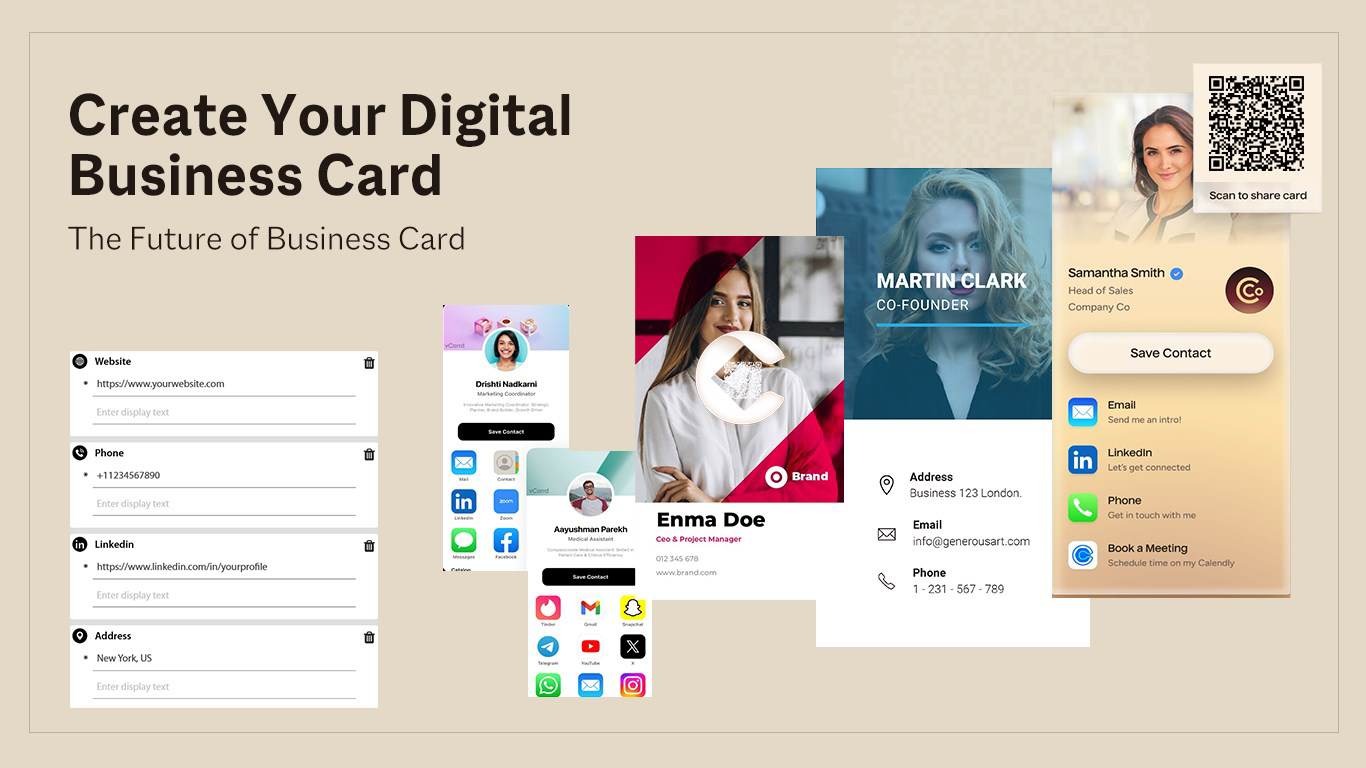
- Social Media Link Integration: The app enables users to embed direct links to their social profiles—such as LinkedIn, Instagram, or Twitter—within the card. This feature simplifies connection-building and reduces friction during networking interactions.
- Multiformat Export: Digital business cards can be saved in multiple file formats, including PNG, JPG, and PDF. This flexibility supports both digital sharing and physical printing, making the app adaptable to diverse user needs.
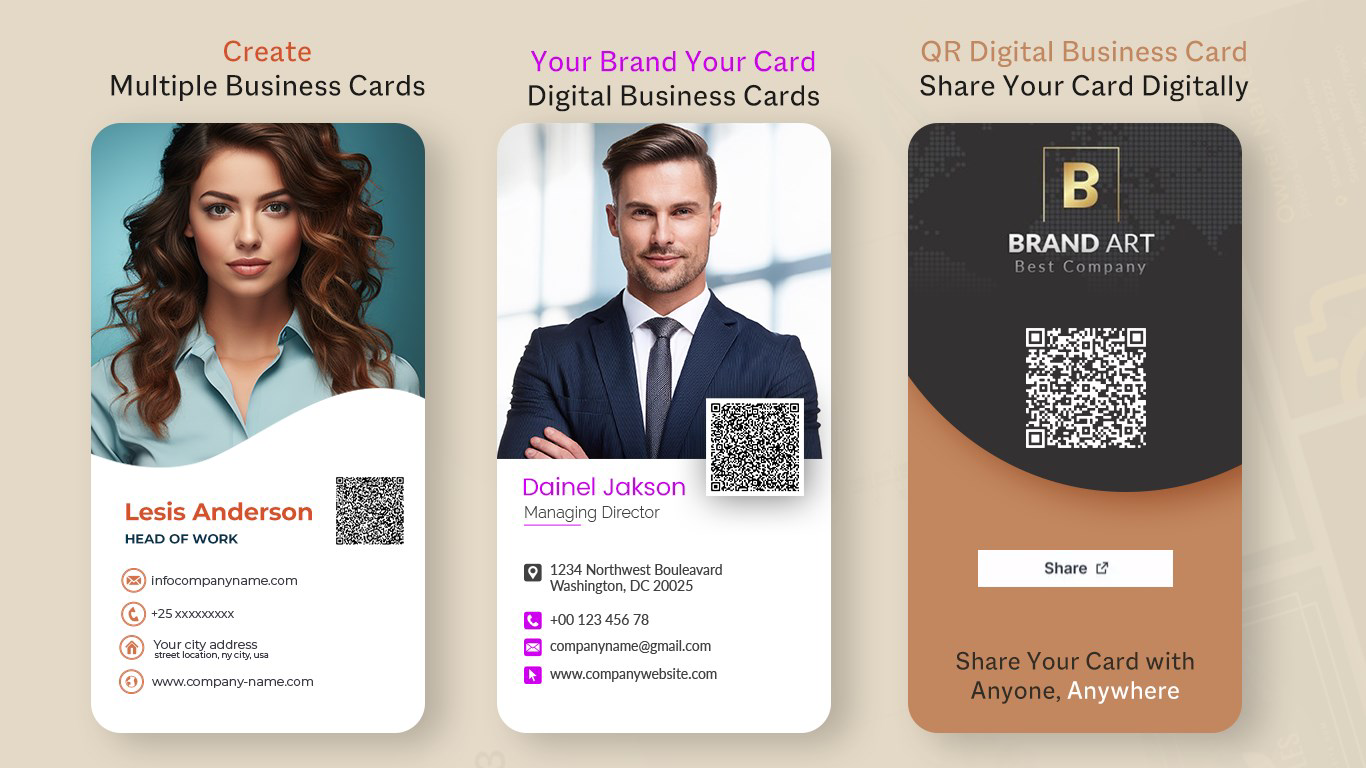
- Unique QR Code Generation: A standout feature is the ability to generate a unique QR code linked directly to the user’s digital card. Scanning the code instantly delivers all contact details, enabling fast, paperless exchange and improving user engagement.
For example, a consultant attending a business meetup can generate a QR code on the spot, display it on their phone, and allow potential clients to scan and save their information in seconds. Similarly, a freelancer can include their digital card in an email signature or social media bio for instant accessibility. These features collectively enhance efficiency, reduce errors in contact entry, and support long-term relationship building.
Interface, UX & Performance
The user interface of QR Code Digital Business Card is designed with simplicity and functionality in mind. The layout follows a clean, intuitive structure that guides users through the card creation process step by step. Navigation is straightforward, with clearly labeled sections for template selection, personalization, and export settings. Visual elements are well-organized, and the app maintains a professional aesthetic that aligns with its purpose. The design avoids clutter, ensuring that users can focus on customization without distraction. Although the developer did not list formal performance metrics, the app appears to operate smoothly within standard Windows environments. Responsiveness is consistent across various device categories, including desktops and laptops. The app loads quickly and maintains stability during the creation and export process. There are no reported issues with crashes or freezes. The overall user experience is optimized for minimal learning curve, making it accessible even to users with limited technical experience. The integration of real-time preview features allows users to see changes instantly, enhancing confidence in the final output. While specific requirements were not listed, the app’s lightweight size of 12.3 MB suggests efficient resource usage, contributing to a stable and responsive experience.
Platform Compatibility & Technical Requirements
QR Code Digital Business Card is available exclusively for the Windows platform. The current version is 1.0.0, with a file size of 12.3 MB. The app is offered at no cost, making it accessible to a wide range of users. Although the developer did not specify minimum OS requirements, the lightweight nature of the application suggests compatibility with most modern Windows systems. Users running Windows 7 or later may be able to install and run the app successfully, though this is not confirmed. The app does not require high-end hardware, indicating that it is optimized for performance on entry-level and mid-range devices. No additional software dependencies were mentioned. For users seeking to install or update the app, the process is expected to be straightforward through official distribution channels. Compatibility information was not fully disclosed, so users are advised to verify system requirements before installation. The app’s focus on core functionality ensures it remains efficient and accessible across a broad range of Windows-based environments.
Pros and Cons
- Free to download and use
- Intuitive interface with minimal learning curve
- Supports multiple export formats (PNG, JPG, PDF)
- Offers customizable templates and branding options
- Generates unique QR codes for easy sharing
- Efficient for networking and digital contact exchange
- Available only for Windows (no iOS or Android version)
- Developer did not provide detailed system requirements
- No cloud sync or cross-device access
- Limited to digital and printed output—no integration with contact management apps
- No built-in analytics or tracking for QR code scans
FAQ
Is QR Code Digital Business Card safe to download?
Yes, the app is free and available through official channels. It does not require administrative permissions beyond standard installation. As with any software, users should download from trusted sources to ensure security.
Can I use this app on my smartphone?
The app is currently available only for Windows. There is no version for Android or iOS devices. Users on mobile platforms may need to use alternative tools or access the app via a Windows-compatible device.
Does the app support automatic updates?
The developer did not specify update mechanisms. Users should check for new versions manually or through official release notes.
Can I track how many times my QR code is scanned?
There is no built-in tracking feature within the app. Scanning data is not recorded or reported by the app itself.
What file formats can I export my digital business card in?
The app allows export in PNG, JPG, and PDF formats, supporting both digital sharing and physical printing.
Final Thoughts
QR Code Digital Business Card delivers a focused, effective solution for professionals seeking to modernize their networking approach. With its clean interface, customizable templates, and unique QR code generation, the app streamlines contact sharing while reinforcing personal branding. Its free availability and lightweight design make it accessible to individuals across industries. While it lacks mobile support and advanced tracking features, its core functionality remains strong and purpose-built. For freelancers, entrepreneurs, and business professionals who value efficiency and visual identity, this tool offers real value in daily interactions. The ability to create, customize, and share digital business cards with a single QR code is a significant advantage in today’s fast-paced digital world. Download QR Code Digital Business Card now and transform the way you connect with others.
Guides & Tutorials
How to install QR Code Digital Business Card
- Click the Download button above.
- Once redirected, accept the terms and click Install.
- Wait for the QR Code Digital Business Card download to finish on your device.
How to use QR Code Digital Business Card
This software is primarily used for its core features described above. Open the app after installation to explore its capabilities.
User Reviews
No reviews yet. Be the first to share your experience.
You may also like
more
Que no te pillen¡
About !Que no te pillen¡Reviewed by Jason A. BilbreyShow MoreShow Less

3D Combat Zone
About 3D Combat ZoneOriginally released in 1983, 3D Combat Zone immerses players...

666: El día del portal
About 666: El día del portalOn June 6, 2006, Agent P. Stone uncovers a sinister...

80 in 1 Best Flash games
About 80 in 1 Best Flash games 80 in 1 Best Flash games is a collection of 80 fl...

ABYSS SEEKERーーWhat Do You See Deep in The Abyss
About ABYSS SEEKERーーWhat Do You See Deep in The AbyssIn ABYSS SEEKER, players...

ACA NEOGEO THE KING OF FIGHTERS 2002 for Windows
About ACA NEOGEO THE KING OF FIGHTERS 2002 for WindowsTHE KING OF FIGHTERS 2002,...